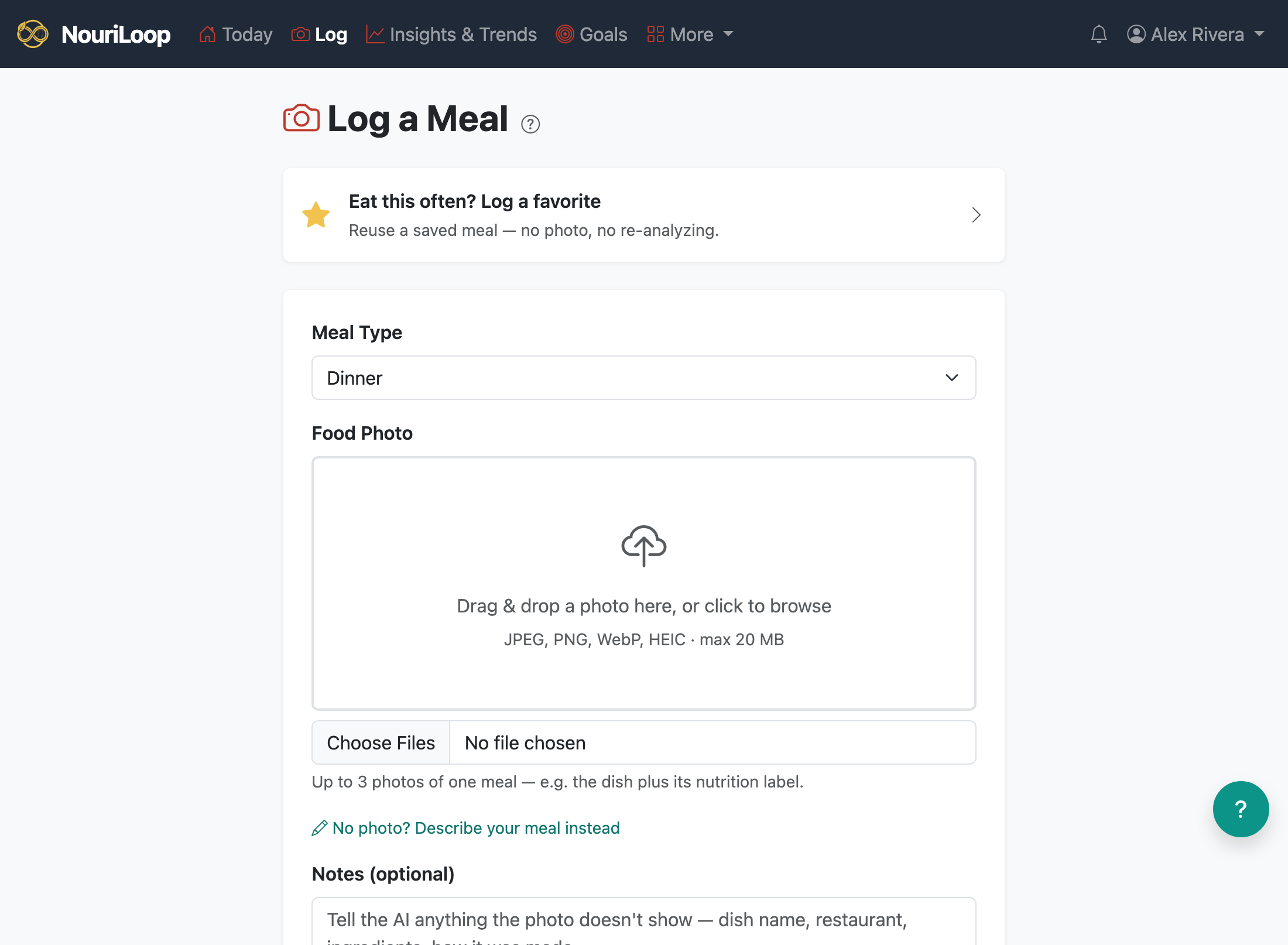
Logging a meal is the heart of NouriLoop: take a photo, let the AI estimate what's in it, then confirm and
adjust before saving. You never type in calories by hand.
Step by step
Tap Log and choose or take a photo of your meal.
NouriLoop's AI analyzes the photo and estimates calories, macros, a full panel of vitamins and
minerals, and the ingredients it sees — along with how confident it is.
On the Confirm & Refine screen, review the estimate. Set "how many servings
did you eat?" — the portion control scales the whole estimate up or down.
If the date isn't today (the app uses your photo's timestamp so you can log a few days of meals at
once), you'll see a clear notice — adjust the date/time if needed.
Tap Save to log. You can also Save & add to favorites to reuse
the meal later.
If the estimate looks off
While the AI is still unsure, you can re-analyze with corrections (fix an ingredient or
answer its questions) or attach a second photo — for example, the nutrition-facts label.
Adding a label usually sharpens the estimate a lot. What you review is exactly what gets saved.
NouriLoop flags a likely duplicate if the same photo is already
logged at the same time, so you don't double-count a meal.
We use Google Analytics and the Meta Pixel to see how people find and use NouriLoop. Their cookies stay off unless you accept, and your meals and health data never go to them. See our Terms.